


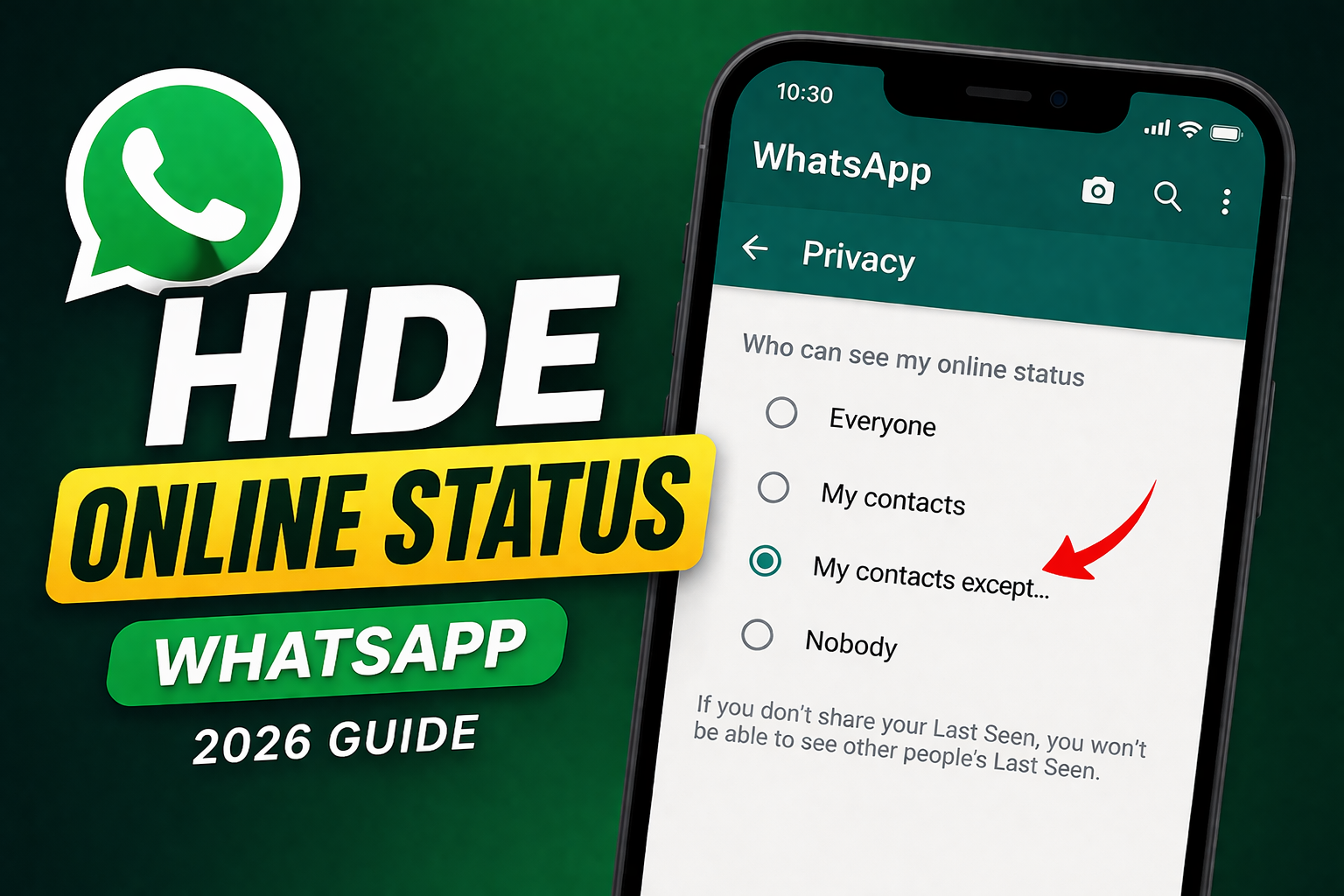

Introduction
Privacy is becoming more important than ever in today’s digital world. Many users search for how to hide online status on WhatsApp to protect their privacy while chatting. If you also want to control your visibility, this guide will help you do it easily and safely.
If you want to hide online status on WhatsApp, this complete guide will help you do it easily. Whether you are a student, professional, or casual user, controlling your online visibility can give you more freedom and peace of mind.
🔍 What is WhatsApp Online Status?
The “Online” status on WhatsApp shows when you are actively using the app. It appears at the top of a chat screen and lets others know you are currently online.
While this feature can be useful, it can also reduce your privacy. People may expect instant replies or keep checking your activity, which can sometimes feel uncomfortable.
✅ Can You Hide Online Status on WhatsApp?
Yes, WhatsApp now provides built-in privacy settings that allow users to hide their online status.
You can control:
- Who can see your last seen
- Who can see when you are online
This feature works on both Android and iPhone devices and only takes a few seconds to set up.
⚙️ Steps to Hide Online Status on WhatsApp (2026)
Follow these simple steps:
📌 Step 1: Open WhatsApp
Launch the WhatsApp application on your smartphone.
📌 Step 2: Go to Settings
- On Android: Tap the three dots (top right corner) → Settings
- On iPhone: Tap “Settings” at the bottom
📌 Step 3: Tap on Privacy
Inside Settings, click on the Privacy option.
📌 Step 4: Select “Last Seen & Online”
Tap on “Last Seen & Online” to open the settings.
📌 Step 5: Change Your Preferences
Now select:
- Last Seen: Nobody (or My Contacts)
- Online: Same as Last Seen
👉 This will successfully hide your online status from others.
🔐 Important Privacy Tips
- If you hide your online status, you will not see others’ online status
- The “Online” setting depends on your “Last Seen” setting
- You can also control:
- Profile photo visibility
- Status privacy
- Read receipts (blue ticks)
👉 Adjust all these settings for better privacy control.
📊 Why People Hide Online Status
Many users prefer to hide their online status for different reasons:
- Avoid pressure to reply instantly
- Maintain personal privacy
- Reduce distractions from messages
- Stay focused on work or study
This feature is especially useful for people who want to manage their time better.
⚠️ Limitations You Should Know
Before using this feature, keep these points in mind:
- You cannot hide online status for specific people only
- If your “Last Seen” is visible, your online setting follows it
- Third-party apps claiming extra features are unsafe ❌
👉 Always use official WhatsApp settings to stay secure.
🔄 Additional Privacy Settings You Should Use
WhatsApp offers several extra privacy options:
📌 Hide Last Seen
Choose:
- Everyone
- My Contacts
- My Contacts Except…
- Nobody
👉 For full privacy, select Nobody
📌 Turn Off Read Receipts
- Go to Settings → Privacy
- Disable Read Receipts
👉 This hides blue ticks but also disables yours.
📌 Control Profile Photo Visibility
Limit who can see your profile picture to avoid unknown access.
📌 Status Privacy Control
You can share WhatsApp status with selected users only.
🆕 Latest WhatsApp Privacy Updates (2026)
WhatsApp continues to improve privacy features in 2026. New updates include:
- Better control over online visibility
- More customizable privacy options
- Improved security against unknown contacts
- Strong end-to-end encryption
👉 These updates make WhatsApp safer and more user-friendly.
💡 Pro Tips to Stay Fully Private
✔ Keep your app updated
✔ Avoid unknown links and messages
✔ Block spam contacts
✔ Enable two-step verification
✔ Never use unofficial apps
👉 These tips will keep your account safe.
📌 Final Tip for Users
Privacy settings work both ways. If you hide your information, you may also lose access to others’ details.
👉 Best recommended settings:
- Last Seen: Nobody
- Online: Same as Last Seen
This gives the perfect balance of privacy and usability.
❓ Frequently Asked Questions (FAQ)
1. Can I hide online status but still see others?
No, this feature works both ways.
2. Does it work on Android and iPhone?
Yes, it works on all updated devices.
3. Is it safe to change these settings?
Yes, these are official WhatsApp features.
4. Will others know I changed settings?
No, WhatsApp does not notify anyone.
📝 Conclusion
Hiding your online status on WhatsApp is a simple but powerful way to improve your privacy. With just a few settings, you can control who sees your activity and avoid unnecessary pressure to reply instantly.
If you value your time and privacy, this feature is definitely worth using. Update your settings today and enjoy a more comfortable WhatsApp experience.